Common Service Hero Section Template

Bus Tickets Booking
Now book your Bus Tickets by a Single Click, Interested to join the most profitable industry? Want to earn high commissions? SAHAJ offers an excellent opportunity to be part of the IRCTC agent family.
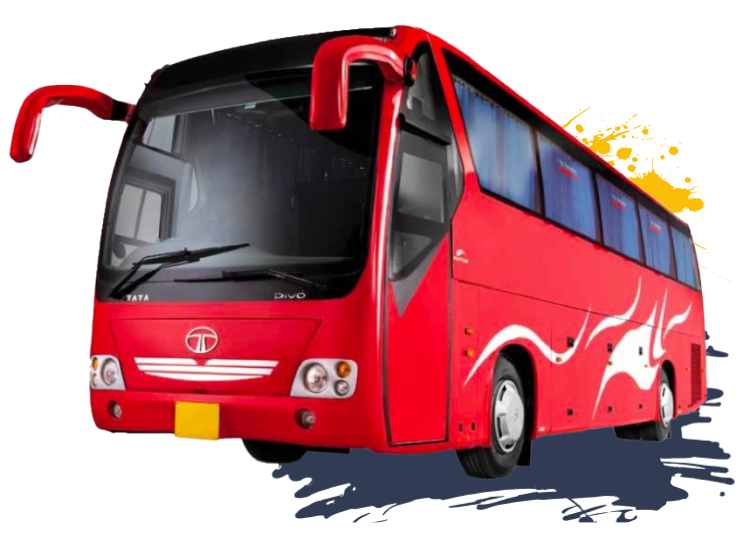
Step to Book Bus Ticket Online
Enter the Source and Destination locations in the “From” and “To" tab respectively. Enter the date of journey too.
Select a bus of your choice from the list of buses that are displayed. Select a seat, boarding. and dropping points.
hit “Proceed to Book” and enter i Kaiten 2 “Passenger Information” and 3 RGSEERNNRAAN REN “Contact Information”.
Benefits of Registering
-
Avoid standing in queues
-
Book from anywhere at anytime
-
Compare different bus options using filters in realtime
-
View bus seat layout and select your preferred seats.
-
Pay online safely. no need to cary cash
Tips for Online Bus Ticket Booking
Compare and then choose
View ratings and reviews
View ratings and reviews
Look for Secure Payment Process
Look for Secure Payment Process
Look for Seat Reservation
Look out for discounts and offers
How to book bus ticket online
-
Visit the Bus Tickets Online (SAHAJ) Portal
-
Click On Bus Booking (To avail the service andspecial deals.)
-
Enter 'Source' and 'Destination' Details
-
Choose Bus and Select Seats and Enter Passenger Details
-
Make the Payment
-
Receive Confirmation via Email/SMS
